Every connection controls which of your CRM objects can be used to build forms. This lets you decide what your users can and can't create forms against.
An example. Say your Ontraport account has three custom objects — Object A, Object B, and Object C. You can enable Object A for form creation and leave the other two switched off. Your users will only see Object A when they build a form; the others won't appear as an option.
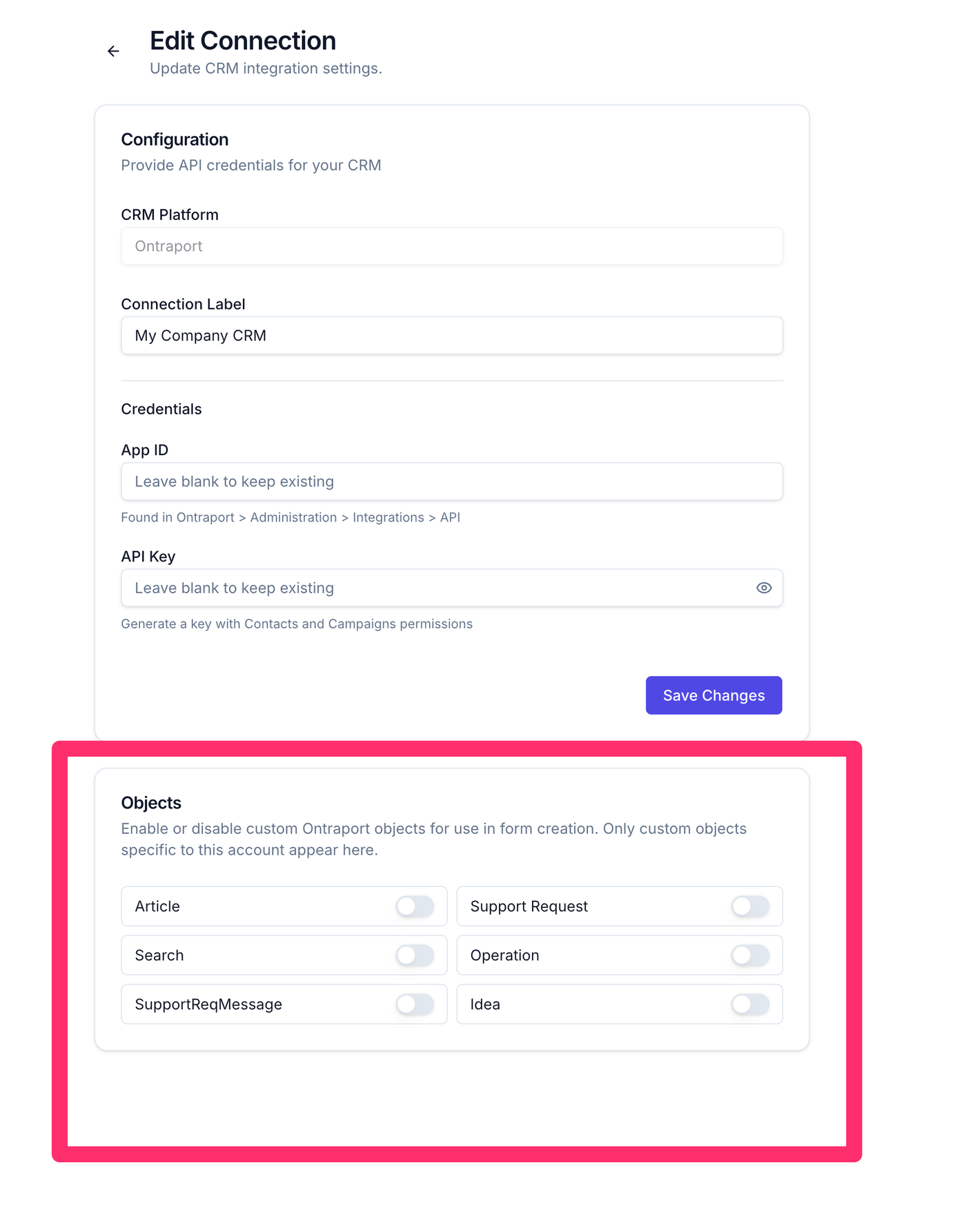
Object access is set per connection
Because you can create multiple connections to the same CRM account, and each one carries its own object settings, you can give different groups of users access to different objects.
For example, one connection might allow forms on your Contacts and Object A, while a second connection to the same account allows only Object B. Assign each connection to the right team members, and everyone sees just the objects relevant to their work.